Discord scheduled events vs a published stream schedule
Discord's scheduled events are genuinely useful: create an event in your server, members get notified, interested people RSVP, and there's a countdown. If your community lives in Discord, it's the single best way to hype one stream.
So why doesn't it work as your schedule? Because an event and a schedule are different things — and the difference matters more the more you stream.
What Discord events do well
- Native notifications to your server members — no extra tools
- "Interested" RSVPs give you a read on turnout
- Perfect for one-off specials your community shouldn't miss
Where they fall short as a schedule
They only reach people already in your server. A Discord event has no public web page. A new viewer from Twitch or YouTube can't see it, search can't find it, and there's nothing to put in your bio.
One event at a time. A schedule is the pattern — your regular slots, this week's lineup, the collab on Saturday. A stack of individual events in a sidebar doesn't communicate "Tuesdays and Thursdays, 8pm, plus weekend specials".
Manual forever. Every stream means creating another event by hand. Recurring support is limited, nothing syncs from Twitch or YouTube, and moving a stream means editing in multiple places again.
No collab story. Multi-streamer lineups, availability, handoffs — none of it exists in a Discord event.
The trick: use both — automatically
This isn't actually an either/or. The pattern that works:
- Your schedule lives on one public page — auto-synced from Twitch and YouTube, readable by anyone, every viewer in their own timezone. That's the link in your bio.
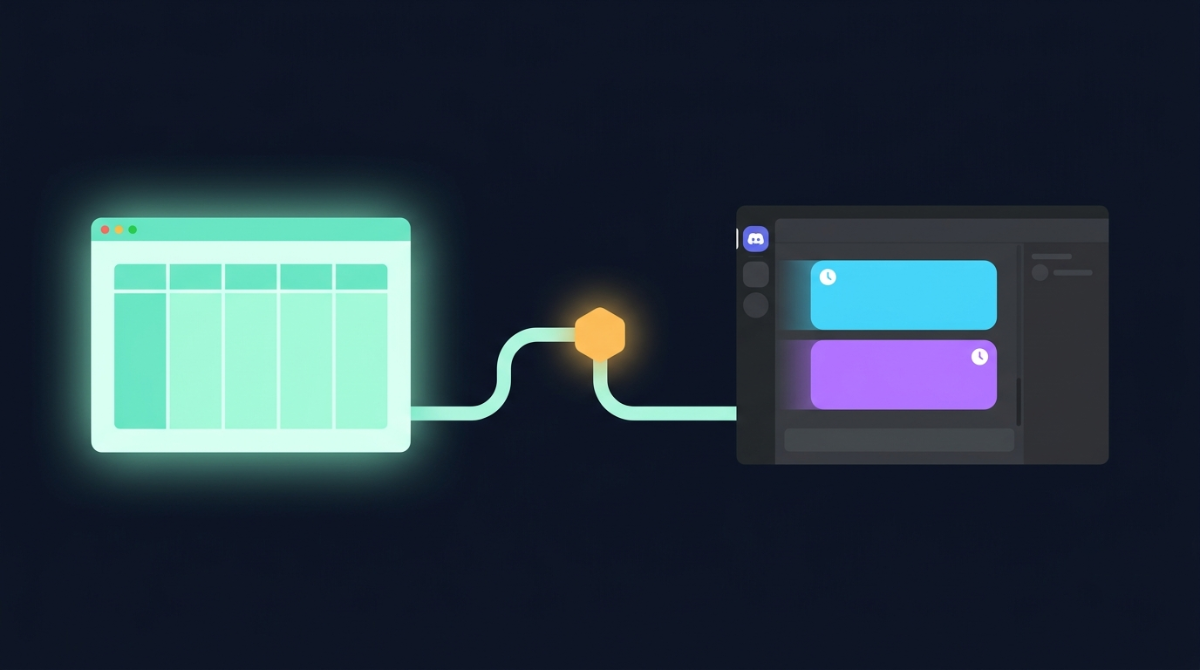
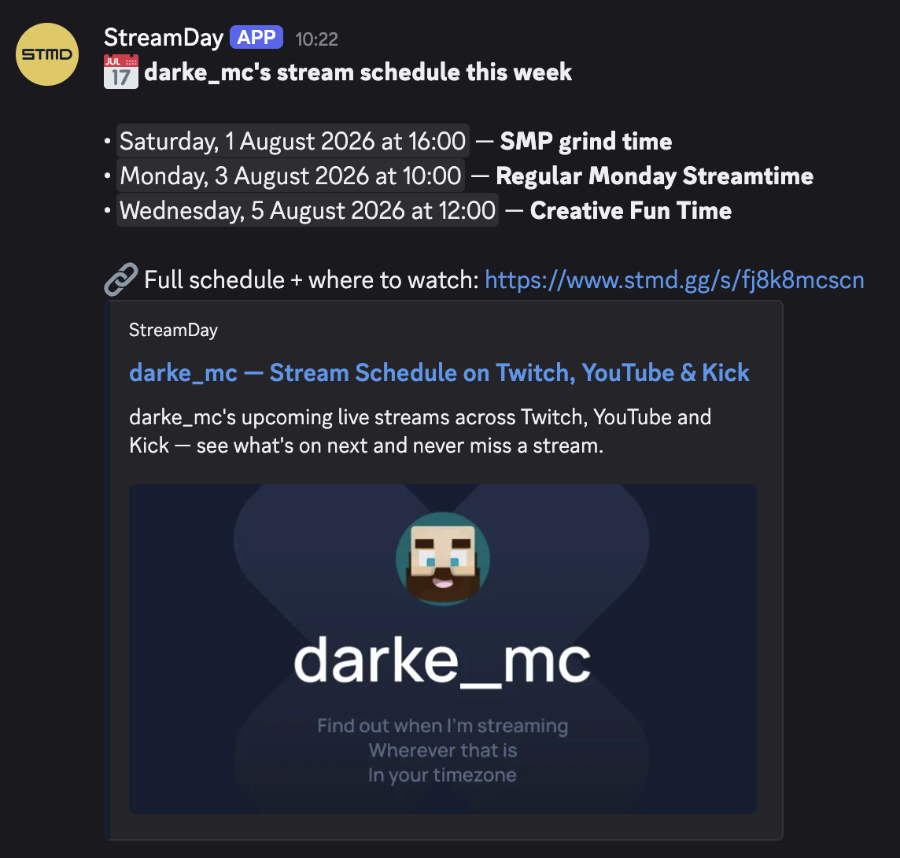
- Discord gets fed from it, automatically. StreamDay posts a weekly digest of your upcoming streams and a reminder before each one goes live straight into your server — webhook-based, no bot to invite, with times as native Discord timestamps so every member sees their own local time. Optional @everyone when you want reach.
| Discord events alone | StreamDay + Discord integration | |
|---|---|---|
| Reaches your server | Yes, manually per event | Yes — automatic digest + per-stream reminders |
| Reaches everyone else | No | Public schedule page, timezone-aware |
| Twitch/YouTube sync | No | Yes |
| Recurring schedule | Limited | Yes, with per-occurrence overrides |
| Effort per stream | Create an event each time | Zero — publishes from your schedule |
Keep creating a native Discord event for the occasional big special — the RSVP hype is worth it. Let the week-to-week schedule announce itself.
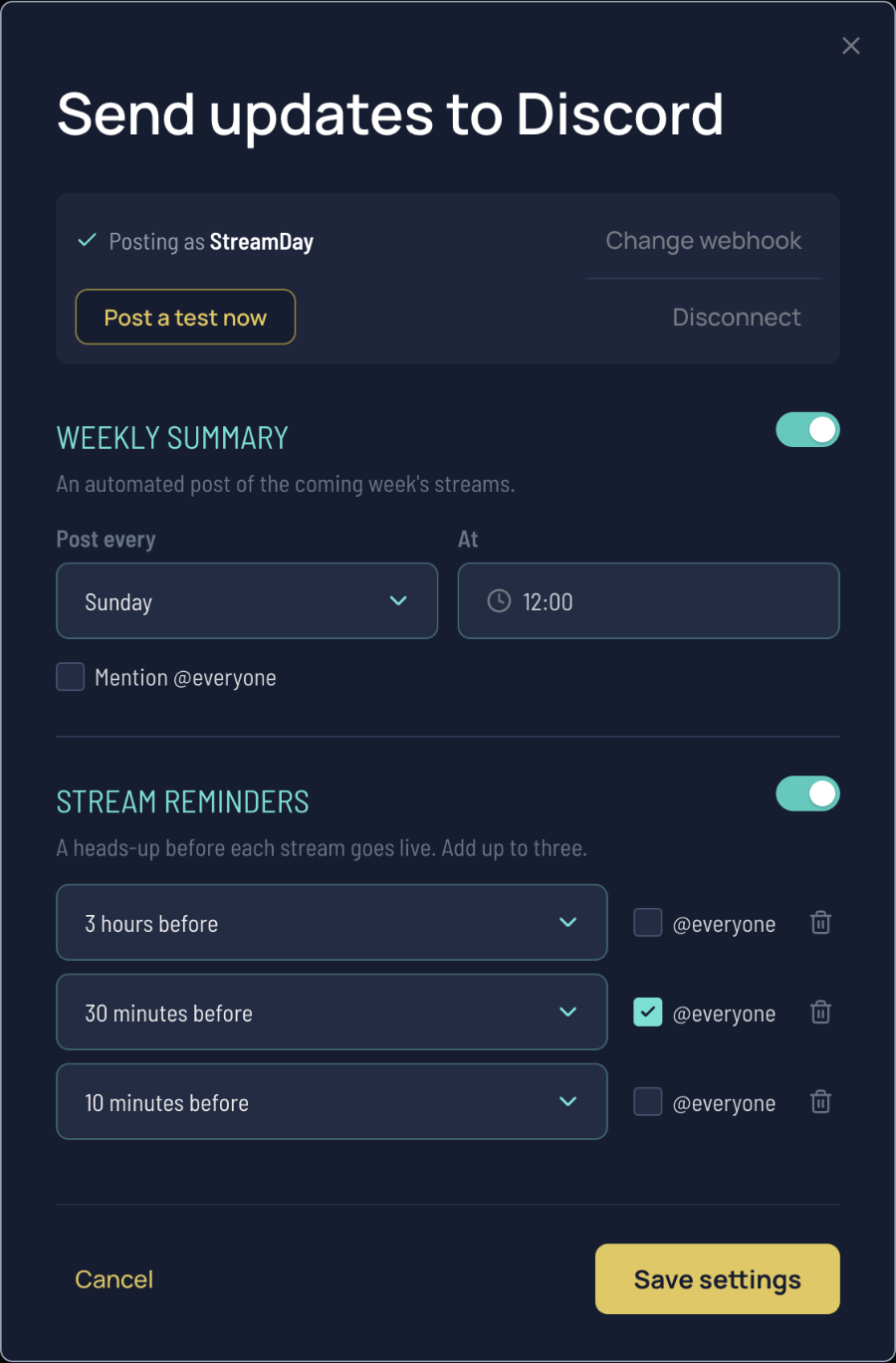
See the pipeline end-to-end in the Discord walkthrough, or start with the stream schedule maker.