How to make a countdown in Discord (no bot required)
Counting down to a stream, an event, a giveaway, or a drop is one of the best ways to build anticipation in a Discord community. The usual assumption is that you need a countdown bot — invite it, configure it, give it permissions, hope it stays online. You don't. Discord has a native countdown built into its timestamp feature, and it takes about ten seconds to make.
Skip to it: our free Discord timestamp generator builds the countdown code for you — choose your date and time, copy the relative-style code, paste it into Discord. No bot, no account.
The relative timestamp
Discord timestamps let you post a moment in time that renders in each reader's own timezone. One of the display styles — the relative style, code letter R — shows that moment as a live countdown instead of a fixed time:
<t:1782843600:R>
That renders as "in 3 hours" — and it updates on its own. Come back in an hour and it says "in 2 hours." After the moment passes, it flips to "3 hours ago." No bot is running it; Discord recalculates it live from the absolute timestamp every time the message is viewed, for every reader.
Because it's built on an absolute moment (a Unix timestamp), it's also timezone-proof: the countdown reads correctly whether the viewer is in New York or Sydney.
How to build one
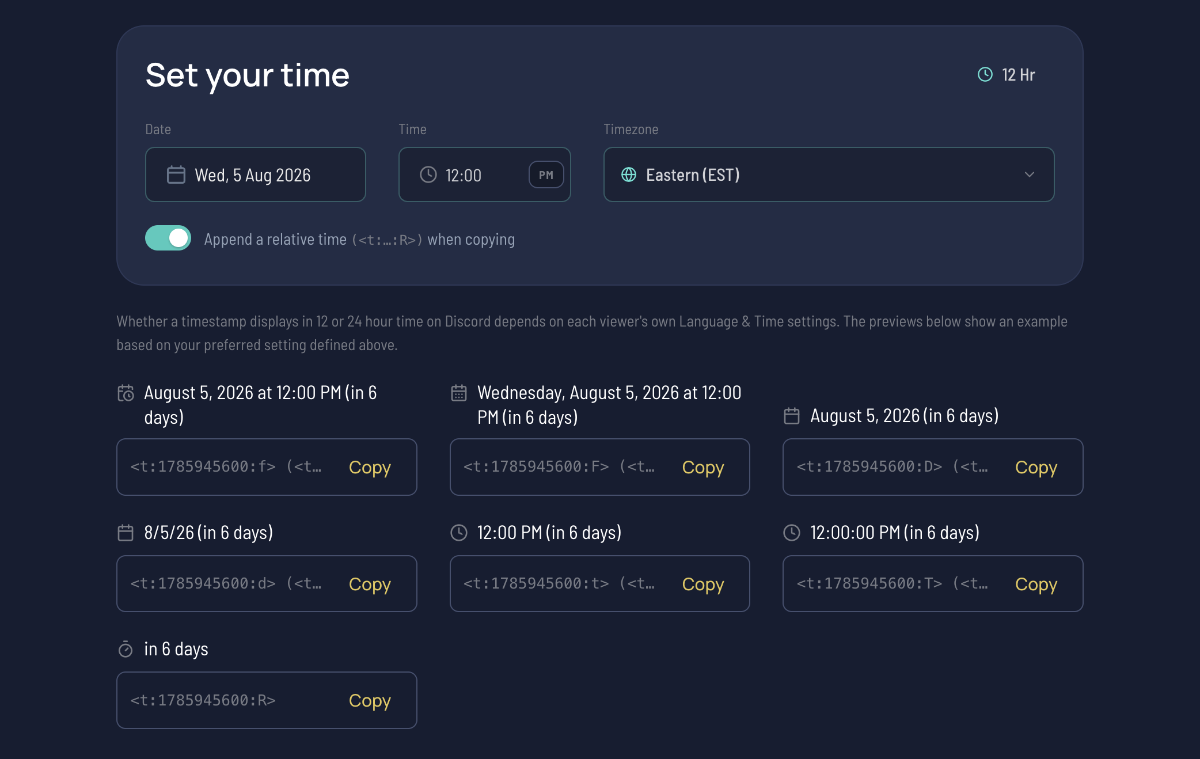
- Open the Discord timestamp generator.
- Set the date and time you're counting down to, in the correct timezone.
- Copy the Relative code (the one that previews as "in 3 hours").
- Paste it into your Discord message.
That's the whole thing. Drop it in an announcement, a pinned message, or an event embed.
Show the exact time and the countdown
A countdown on its own tells people how long, but not when. The strongest announcements show both — the full date and a live countdown side by side:
<t:1782843600:F> (<t:1782843600:R>)
Which renders as: Tuesday, June 30, 2026 8:00 PM (in 3 hours). Each reader sees the exact time in their timezone and a ticking countdown. The generator has a toggle that appends the relative countdown to any style automatically, so you don't have to paste the number twice.
What it's great for
- Stream starts — "Going live
<t:…:R>" pinned in your announcements channel. - Community events — charity streams, watch parties, tournaments.
- Giveaways and drops — count down to when entries close or a code goes live.
- Premieres — a video or launch going public at a set time.

Native countdown vs a countdown bot
| Native timestamp | Countdown bot | |
|---|---|---|
| Setup | Paste one code | Invite, configure, grant permissions |
| Stays online | Always (it's a Discord feature) | Only while the bot is up |
| Timezone-correct per viewer | Yes, automatically | Depends on the bot |
| Live-updating | Yes | Usually |
| Big ticking banner | No — it's inline text | Some bots offer this |
For 99% of announcements, the native timestamp wins: nothing to maintain, nothing to break. The one thing it doesn't do is a giant standalone ticking-clock display — if you specifically want that, a bot is still the tool. For a line in an announcement that counts down to your stream, the built-in version is simpler and more reliable.
A couple of notes
- It counts to an exact moment, not "24 hours from now." Set the target date and time; Discord handles the counting.
- It updates when the message is viewed — there's no visible per-second tick, but every time someone looks at the channel the number is current.
- It only works in Discord. For a countdown or time on other platforms, you'll need something else — for a plain time across regions, our stream timezone converter does that.
If you want the full rundown on the other timestamp styles — dates, times, and how the whole <t:…> syntax works — see our guide on sharing your stream time in Discord.
Counting down to the same thing every week?
A one-off countdown is a paste-and-go job. But if you're announcing a recurring stream or a regular event, you're back to rebuilding codes by hand every time.
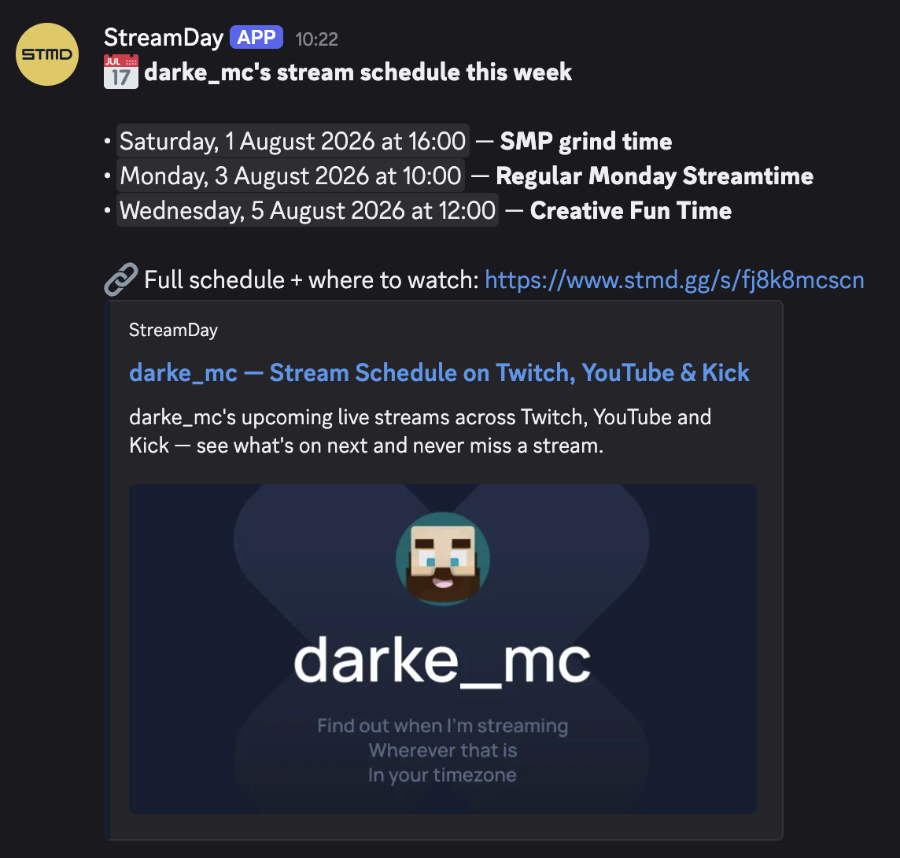
StreamDay handles the recurring case: publish your schedule once and your audience gets a single, always-current link showing your next streams in their own timezone — and if you're running a multi-streamer event, it collects everyone's availability and generates the announcement graphics for you. Use a native countdown for tonight's hype; let StreamDay carry the schedule for everything on repeat.