How to find a time to stream with other creators (across timezones)
The hardest part of a collab isn't the stream — it's finding an hour that works for everyone before the stream. Get three or four creators in different timezones, each with their own existing schedule, and "when can we all do this?" turns into a week of DMs, half-remembered availability, and at least one person who agrees to a time and then realises it's 3 AM for them.
This post is about that first step: nailing down a time. Once you've got it locked, running the actual event is a separate playbook (we've written that one too).
The shortcut: our free collab stream scheduler collects everyone's availability across timezones and shows you the overlap — so you can see the slot that works instead of guessing.
Why this is genuinely hard
It's not just laziness — the coordination problem gets worse fast:
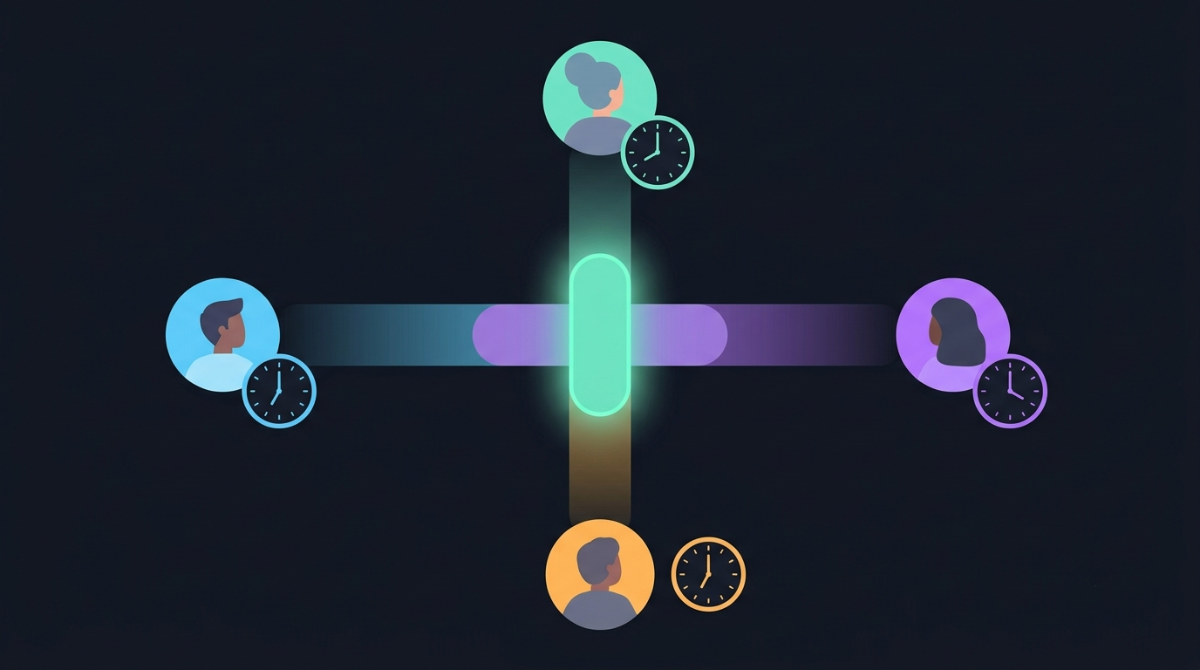
- Timezones hide the conflicts. "Saturday evening" means five different absolute times for five people. What looks like an obvious slot for you is the middle of the night for someone else.
- Daylight saving moves the goalposts. A time that worked last month can be an hour off after a clock change — and not every country shifts on the same date.
- Everyone already has a schedule. You're not looking for free time, you're looking for time that's free for all of you at once — and each extra person makes the overlap smaller.
- The back-and-forth loses information. By the time person four replies, person one's availability has changed. DMs don't hold a live picture of everyone's slots.
The ways people usually try (and where they fall down)
- Group DMs. Fine for two people, chaos for four. Nobody can see the whole picture at once, and timezones get converted wrong in every third message.
- A shared spreadsheet. Better, but you're hand-building a grid, and everyone has to translate their availability into one reference timezone — which is exactly the error-prone step you're trying to avoid.
- Generic poll tools (When2Meet, Doodle). Closer to the right idea, but they aren't built for this — timezone handling is clunky, and there's no path from "we found a time" to "we announced and ran the stream."
A process that works
- Define the window. Agree on a rough range first — "a weekend evening in the next two weeks." It narrows the search before anyone marks anything. If you haven't even settled which day yet, do that first: our stream date finder and guide to picking a date for a group sort the date out before you drill into the time.
- Collect availability in each person's own timezone. This is the key move. Everyone should mark when they are free in their local time — never ask people to convert. Converting is where the mistakes live.
- Find the overlap. Look for the slot where everyone's availability lines up. With a purpose-built tool this is automatic; the collab stream scheduler has each creator mark their availability and then surfaces the times that work for the whole group.
- Leave a buffer. Pick a slot with a little room on either side — collabs start late more often than early, and a hard stop five minutes after your window is stressful for everyone.
- Confirm in each person's local time. When you lock it in, send each creator their start time in their timezone, not yours: "Sam — you're on Saturday 8 PM your time." Our stream timezone converter turns one agreed time into every region at once so you can paste the right local time to each person.
Once you've got a time
Finding the slot is the milestone, but two things immediately follow:
- Announce it so nobody shows up wrong. Post the agreed start as a Discord timestamp so every collaborator and every viewer sees it in their own timezone — see sharing your stream time in Discord. Add a live countdown to build hype.
- Run the event. Locking the time is step one of a bigger checklist — promotion, lineup graphics, run-of-show. Our guide to running a multi-streamer event covers the rest, and if it's a community server event specifically, the Minecraft SMP coordination playbook goes deeper.
From "we found a time" to a published event
The reason most collab tools stop at the poll is that finding the time is only half the job. StreamDay is built for the whole arc.
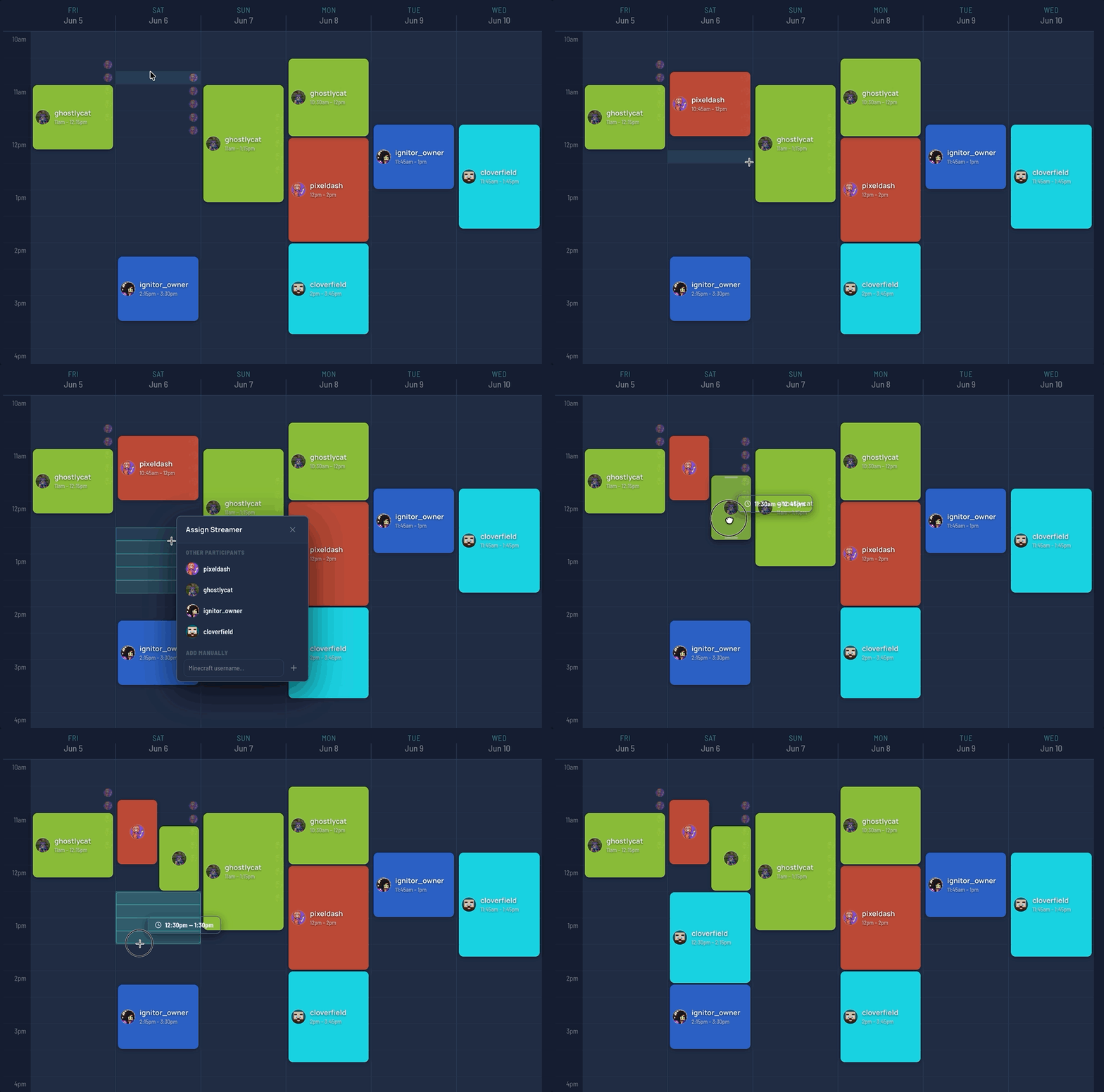
Plan the collab on StreamDay and once you've agreed the slot, it becomes a published event page — one public link that lists every streamer, their go-live time in each viewer's own timezone, and the platforms they'll be on. It even generates per-day lineup graphics you can post to announce it. Coordinating the availability is free; you only pay if you decide to publish the event to your audience, and that starts with a 30-day free trial. Find the time, then turn it into something your audience can actually follow.
Here's the whole flow in action: