When2Meet for streamers: a better way to schedule a collab
Ask any online community "how do we find a time everyone can make?" and someone will drop a When2Meet link within minutes. It's free, it needs no signup, and the paint-your-availability grid is genuinely great. For a one-off meeting, it's hard to beat.
But if you're scheduling a collab stream, raid train, or community event, you're not scheduling a meeting — and the differences start to bite almost immediately.
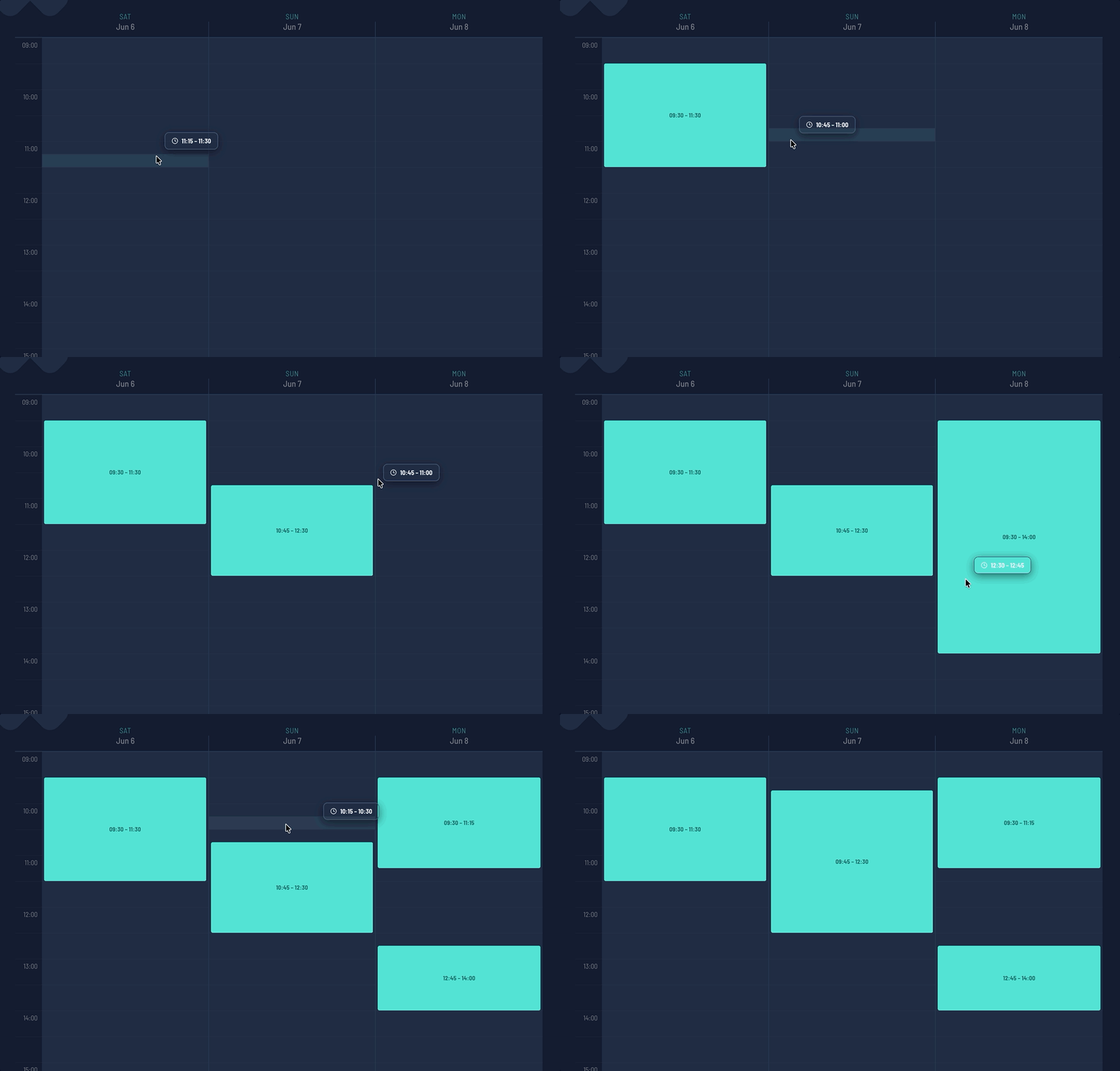
What When2Meet does well
Credit where it's due:
- It's completely free, with no account needed for participants
- The click-and-drag availability grid is fast and intuitive
- The group heatmap makes the overlap obvious at a glance
If all you need is "which of these three evenings suits everyone", When2Meet is a fine answer, streamer or not.
Where it falls short for streamers
The poll is where it ends. When2Meet tells you when people are free — and that's it. There's no next step. The result gets copy-pasted into a Discord message, and from that moment the schedule lives in chat scrollback, drifting out of date with every edit.
Timezones are on the participants. There's a timezone dropdown, but each participant has to notice it and set it correctly. One streamer who misses it paints their availability an hour off, and nobody finds out until they miss their slot.
There's nothing for your audience. A When2Meet grid is an internal tool. Your viewers never see it — you still have to build the announcement, the schedule graphic, and the "who's live when" page some other way.
No streams, no platforms, no lineup. When2Meet has no concept of who's streaming, on which channel, or in what order. For a multi-streamer event, that's most of the actual work.
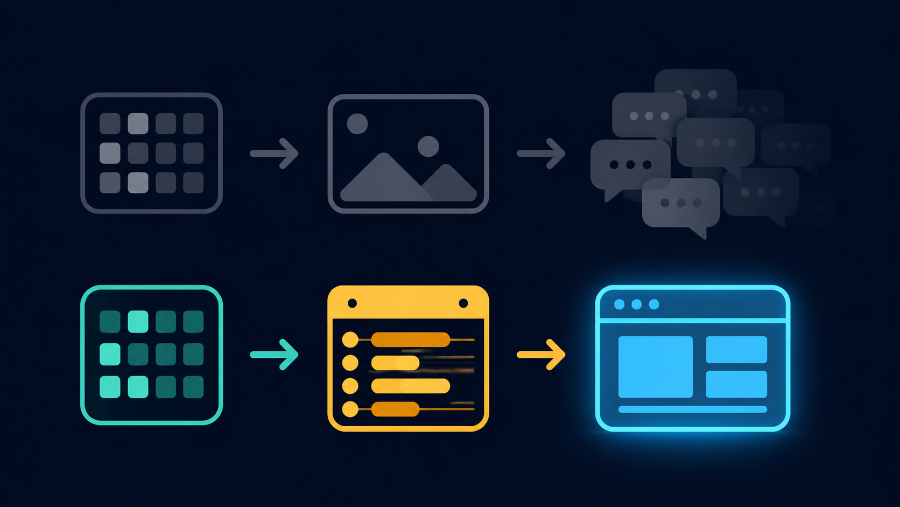
What StreamDay does differently
StreamDay's collab stream scheduler starts from the same idea — everyone marks when they're free — and then keeps going:
| When2Meet | StreamDay | |
|---|---|---|
| Availability grid | Yes | Yes |
| Free to use | Yes | Yes (publishing is the only paid step) |
| Timezone handling | Participant sets a dropdown | Automatic — everyone sees and enters times in their own local time |
| Participant sign-in | None | Discord (one click, no email) |
| Result | A heatmap you screenshot | A published event page with the full lineup |
| Audience-facing page | No | Yes — live "on now / up next" status, every viewer in their own timezone |
| Promotion | DIY | Per-day share graphics generated automatically |
| Schedule changes | Re-run the poll | Edit the event; the public page updates in real time |
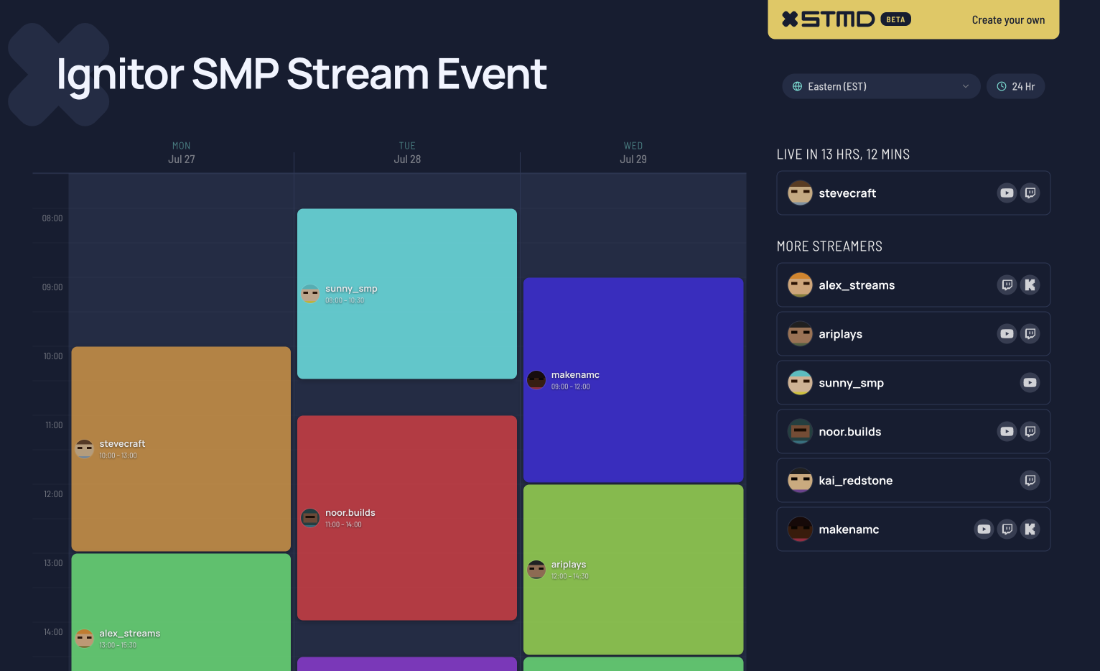
The short version: When2Meet finds the time. StreamDay finds the time, then runs the event — availability, lineup, published schedule, share graphics, and Discord reminders from one link.
If you're still at the "which weekend?" stage rather than "which hours?", start even earlier with the stream date finder — same idea, but for picking the day.
When to stick with When2Meet
Honestly: if you're scheduling something that isn't a stream — a moderator meeting, a D&D session, a call — When2Meet remains a great tool. StreamDay earns its place when the output needs to be a schedule your audience can follow, not just a time your group agrees on.
Want to see the difference? Look at a finished event page, or watch the stream events demo — it covers the whole flow, availability included.