How to find a date that works for a whole group of streamers
Every collab, charity marathon, or community event runs into the same wall before it even starts: not what time, but which day. Get four or five creators together, each with their own streams, jobs, and weekends already half-booked, and "when can we all do this?" becomes a week of "I'm free most Saturdays except the 14th" messages that nobody can hold in their head at once.
This post is about that first step — nailing down the date. Finding the time of day once the date is set is a separate job (we've written that one too), and running the actual event is a third (that playbook's here).
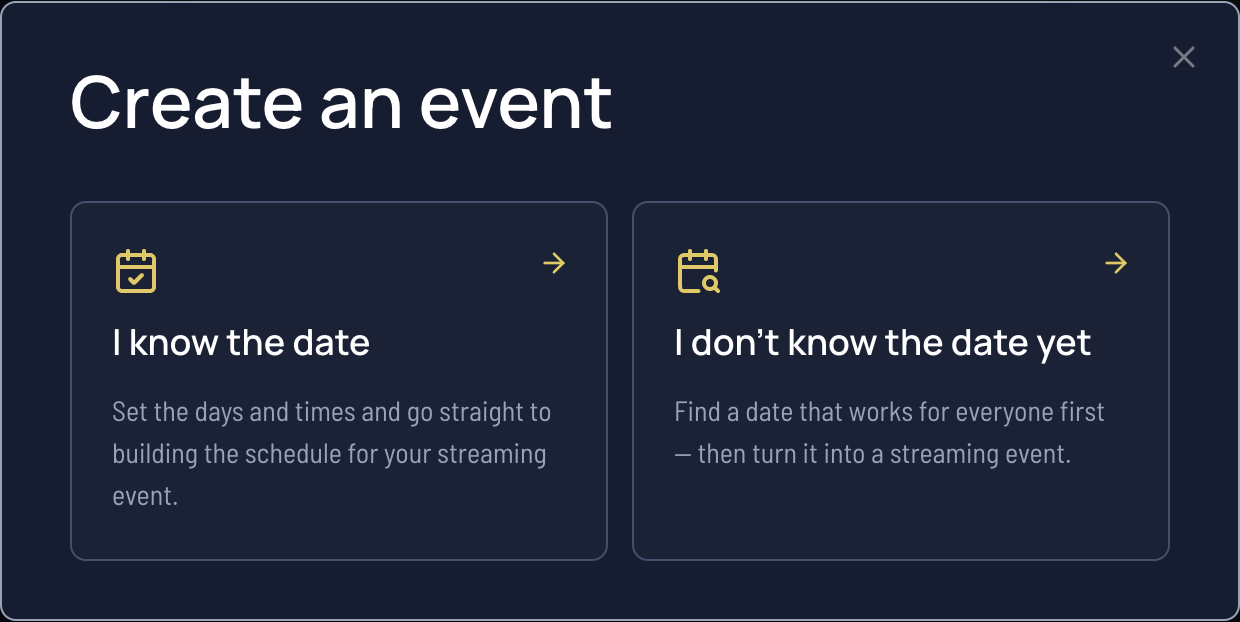
The shortcut: our free stream date finder lets everyone mark the days that work for them and ranks the options, so the best date for the group is obvious instead of guessed at.
Why picking a date is harder than it looks
It feels like it should be a two-minute decision. It isn't, and it gets worse with every person you add:
- Free days shrink fast. You're not looking for a day someone is free — you're looking for a day everyone is free at once. Each extra streamer removes more candidate dates than they add.
- "Most weekends" isn't a date. People answer in vague ranges — "I'm around in July" — that feel helpful but don't actually pin anything down. Someone has to turn all that fuzz into specific days.
- The picture keeps moving. By the time the fifth person replies, the first person's plans have changed. A group chat never holds a current, complete view of who can do what.
- One holdout sinks a date silently. A day that works for four of five looks great until the fifth person mentions three days later that they can't make it — and you're back to square one.
The ways people usually try (and where they fall down)
- Group DMs. Fine for two people, chaos for five. Nobody can see the whole picture, availability arrives in dribs and drabs, and the "winning" date is whatever the loudest person suggested last.
- A shared spreadsheet or a "react with the day you can do" poll. Better than nothing, but you're hand-counting reactions, chasing the people who never voted, and re-counting every time someone changes their mind.
- Generic poll tools (When2Meet, Doodle). Closer to the right idea — collect availability, find the overlap — but they're built around times of day on a fixed date, not around choosing which date in the first place, and there's no path from "we found a day" to "we announced and ran the stream."
A process that works
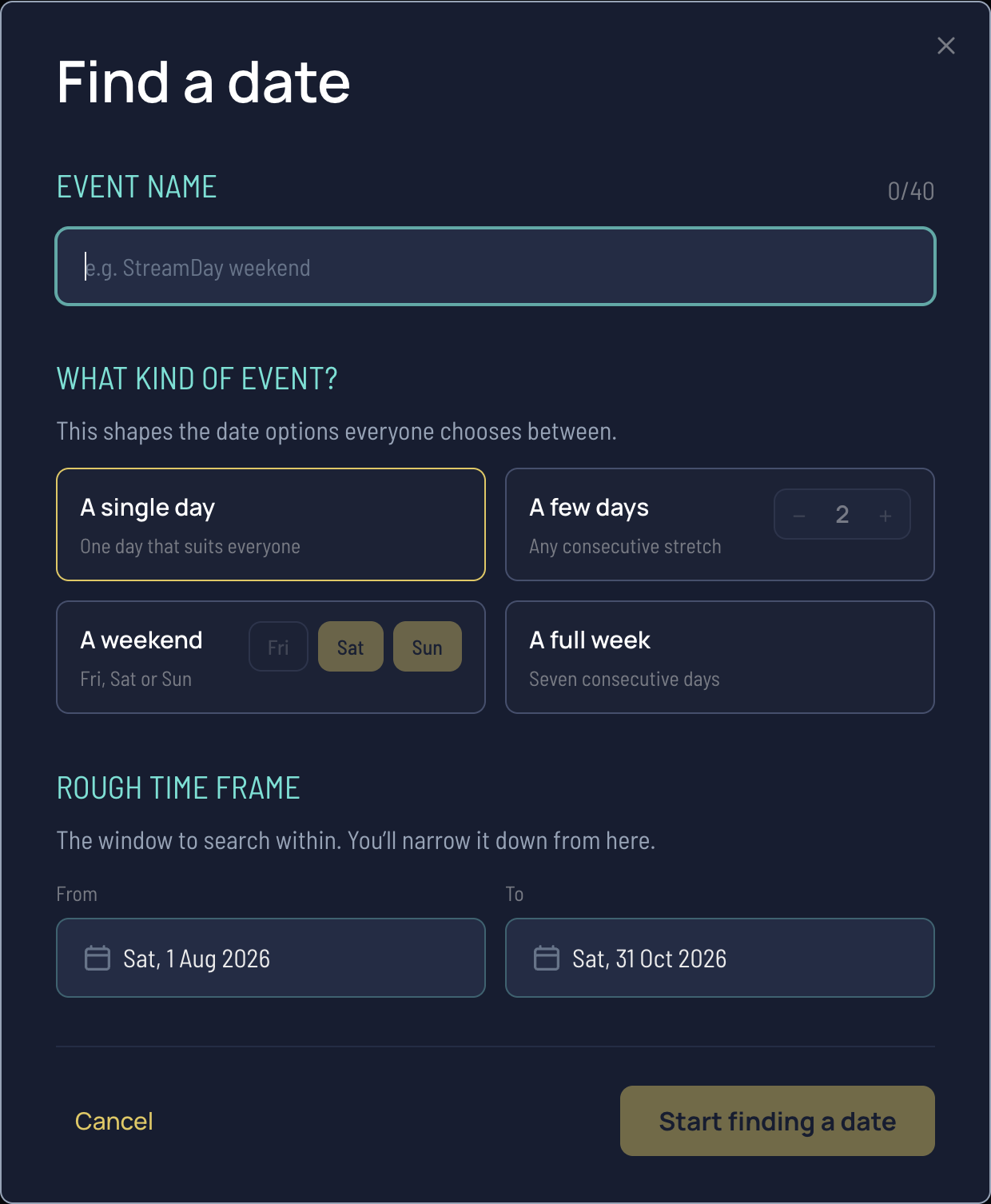
- Decide the shape first. Are you after a single day, a weekend, or a whole week? Agreeing that up front — "a weekend sometime next month" — narrows the search before anyone marks anything, and it changes what you're asking people for.
- Set a range, not an open question. "When are you free?" invites vague answers. "Which days work for you between the 1st and the 21st?" gets specific ones. Bound the window and let people respond inside it.
- Let everyone mark their own days. Each person marks the days they can do, in their own time — no converting, no committing to a time yet, just "can I be around that day at all." This is the step the stream date finder automates: share one link, everyone taps the days that work, and it keeps a live picture instead of a scattered chat.
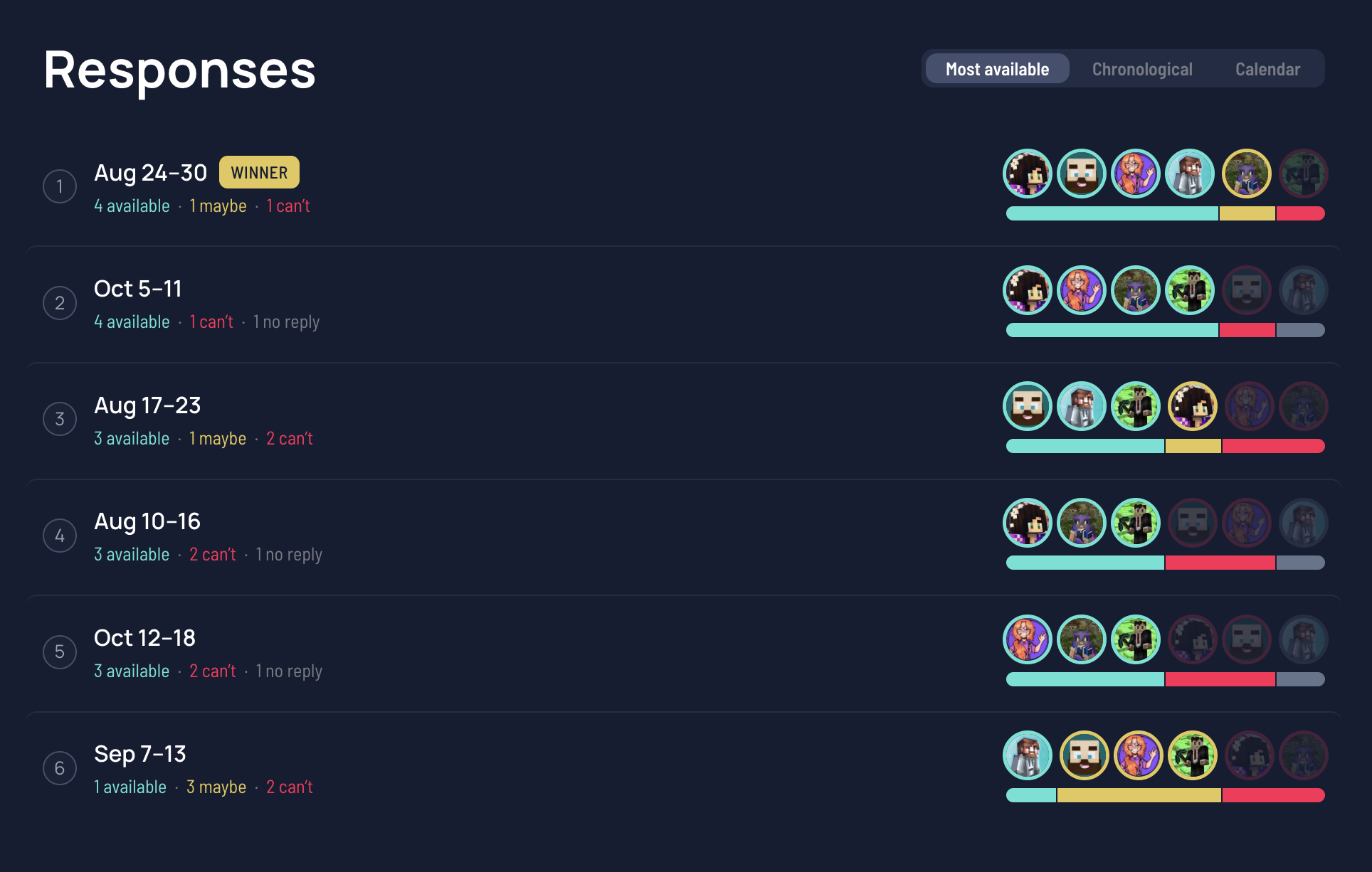
- Rank the options, don't eyeball them. With responses in, you want the date the most people can make, with the fewest hard conflicts — not the first one that looks okay. A purpose-built tool ranks this for you and shows whether you've got a clear winner or a tie between two dates.
- Break ties on purpose. If two dates are level, pick on a real tiebreak — more lead time to promote, fewer "maybes," or better alignment with an existing event — rather than whoever answers first.
- Lock the day, then move to the time. Once the date's settled, you're onto the time of day — which is the same overlap problem one level down. Our collab stream scheduler and its companion guide take it from there.
Once you've got a date
Landing the date is the milestone, but two things follow immediately:
- Announce it so nobody locks in the wrong day. Post the agreed date as a Discord timestamp so every collaborator sees it in their own timezone — see sharing your stream time in Discord — and add a live countdown to build anticipation.
- Turn it into an event. The date is step one of a bigger checklist — locking the lineup, building the schedule, promotion. Our guide to running a multi-streamer event covers the rest, and for community server events specifically, the Minecraft SMP coordination playbook goes deeper.
From "we found a date" to a published event
The reason most poll tools stop at the vote is that finding the date is only the opening move. StreamDay is built for the whole arc.
Set up a date finder, share the link, and let the group settle the day. Once it's locked, turn the winning date straight into an event: collect everyone's go-live times, build the schedule, and publish one public page that lists every streamer, their start time in each viewer's own timezone, and the platforms they'll be on — with per-day lineup graphics generated for you. Finding the date and planning the event are free; you only pay if you decide to publish to your audience, and that starts with a 30-day free trial. Find the day, then turn it into something people can actually follow.
Here's the whole flow — finding the date, then building the event — in action: